Crawling
The automated scanning of websites by search engines and AI bots to discover content.

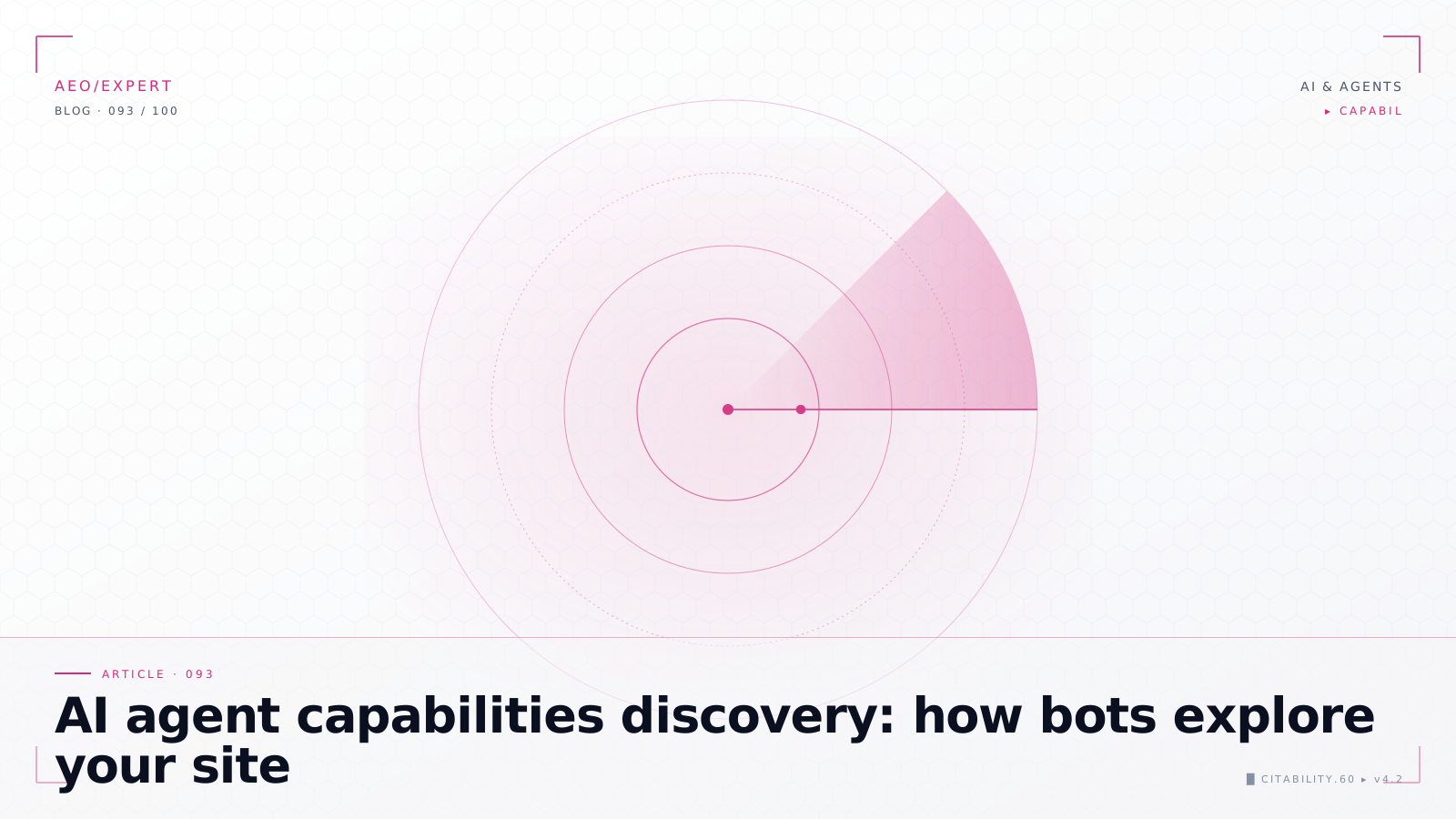
Crawling is the process where search engines (and AI bots) automatically explore the web by following links from page to page. The crawler (also called spider or bot) downloads pages, follows the links on them, and adds new URLs to the crawl queue.
Crawl budget
Every website receives a limited crawl budget: the number of pages a bot visits in a given period. For large websites, it's important to optimize this budget by blocking irrelevant pages via robots.txt — bibliotheekterm and providing a clear sitemap — bibliotheekterm structure.
AI bots and crawling
In addition to Googlebot, AI bots like GPTBot, ClaudeBot, and PerplexityBot now also crawl the web. These bots have their own crawl patterns and (usually) respect robots.txt. It's important to know which bots visit your site and how to guide them.
Optimizing crawl budget: 5 tips
A more efficient crawl budget means search engines find and index — bibliotheekterm your most important pages faster. Here are five concrete tips:
- Block unimportant pages in robots.txt: Prevent crawlers from spending time on pages with no SEO — bibliotheekterm value, such as internal search results, filter pages, login pages, and /wp-admin/. Every crawled but non-valuable page costs budget that could be spent on important pages.
- Fix or remove soft 404s and redirect chains: Pages that return a 200 status but contain no real content (soft 404s) waste crawl budget. The same applies to chains of successive redirects (A → B → C → D). Always point redirects directly to the final destination URL.
- Keep your XML sitemap up to date: A clean sitemap containing only indexable, canonical pages helps crawlers navigate efficiently. Remove pages with noindex, redirects, or 404 status codes — bibliotheekterm from your sitemap.
- Improve server response time: A slow server limits the number of pages a crawler can fetch per session. Optimize your hosting, implement caching, and minimize TTFB (Time to First Byte) to let crawlers process more pages per visit.
- Use internal links — bibliotheekterm strategically: Ensure your most important pages are well-linked from your navigation and content. Pages buried deep in your site architecture (more than 4 clicks from the homepage) are crawled less frequently.
Analyzing server logs: step-by-step
Server logs give you direct insight into how crawlers visit your site. Here is how to analyze them:
- Arrange access to logs: Ask your hosting provider for access logs (Apache/Nginx). With managed hosting, you can often download log files via the control panel. The logs contain every HTTP request including user agent, URL, status code, and timestamp.
- Filter for bot traffic: Search the logs for known user agents: "Googlebot", "bingbot", "GPTBot", "ClaudeBot", "PerplexityBot". This filters out human traffic and shows only crawler activity.
- Analyze crawl patterns: Review which pages are crawled most often, which are rarely or never visited, and whether crawlers get stuck in infinite loops (for example, faceted navigation — bibliotheekterm or calendar URLs).
- Check status codes: Watch for pages returning 404, 500, or redirect status codes to crawlers. These are direct improvement opportunities.
- Use tools for analysis: For large log files, tools like Screaming Frog Log Analyzer, Botify, or JetOctopus are effective. For smaller sites, importing logs into a spreadsheet and filtering by user agent is sufficient.
Frequently asked questions
How do I know how often Google crawls my site?
In Google Search Console, under "Settings" > "Crawl stats," you'll find an overview of crawl behavior: how many requests per day, average response time, and crawl errors. Additionally, your server logs provide the most detailed information about crawl frequency per page.
Can I ask Google to crawl my site more often?
Not directly. Google determines crawl frequency based on your site's size, update frequency, and authority. You can submit an individual URL via the URL Inspection tool in Search Console. For structural improvement: publish fresh content regularly, keep your sitemap current, and improve your server performance.
What is the difference between crawling and indexing?
Crawling is fetching and downloading pages. Indexing is analyzing and storing that content in the search engine's database. A page can be crawled without being indexed, for example if the content is too low quality or contains a noindex tag. Crawling is the first step; indexing is the second.
Should I block or allow AI bots?
That depends on your strategy. If you want AI models to cite your content in their answers, you should allow AI bots. If you want to protect your content from being used in AI training, you can block specific bots via robots.txt. A middle ground is selective access: allow search-related AI bots (PerplexityBot, GoogleOther) and block training bots (GPTBot, CCBot).
How much crawl budget does my site need?
For most small to medium websites (under 10,000 pages), crawl budget is not an issue. Google typically crawls all your pages. Crawl budget optimization only becomes crucial for large sites with hundreds of thousands of pages, such as e-commerce sites with many product pages or sites with dynamically generated URLs.