Indexing
The storing and cataloging of web content by search engines so it becomes findable.

Indexing is the process where a search engine analyzes, categorizes, and stores crawled content in its database (the index). Only indexed pages can appear in search results.
Indexing versus crawling
Crawling — bibliotheekterm and indexing are two separate steps. A page can be crawled without being indexed, for example if the content is too thin, if a noindex tag is present, or if the page is a duplicate of existing content.
Fixing indexing issues
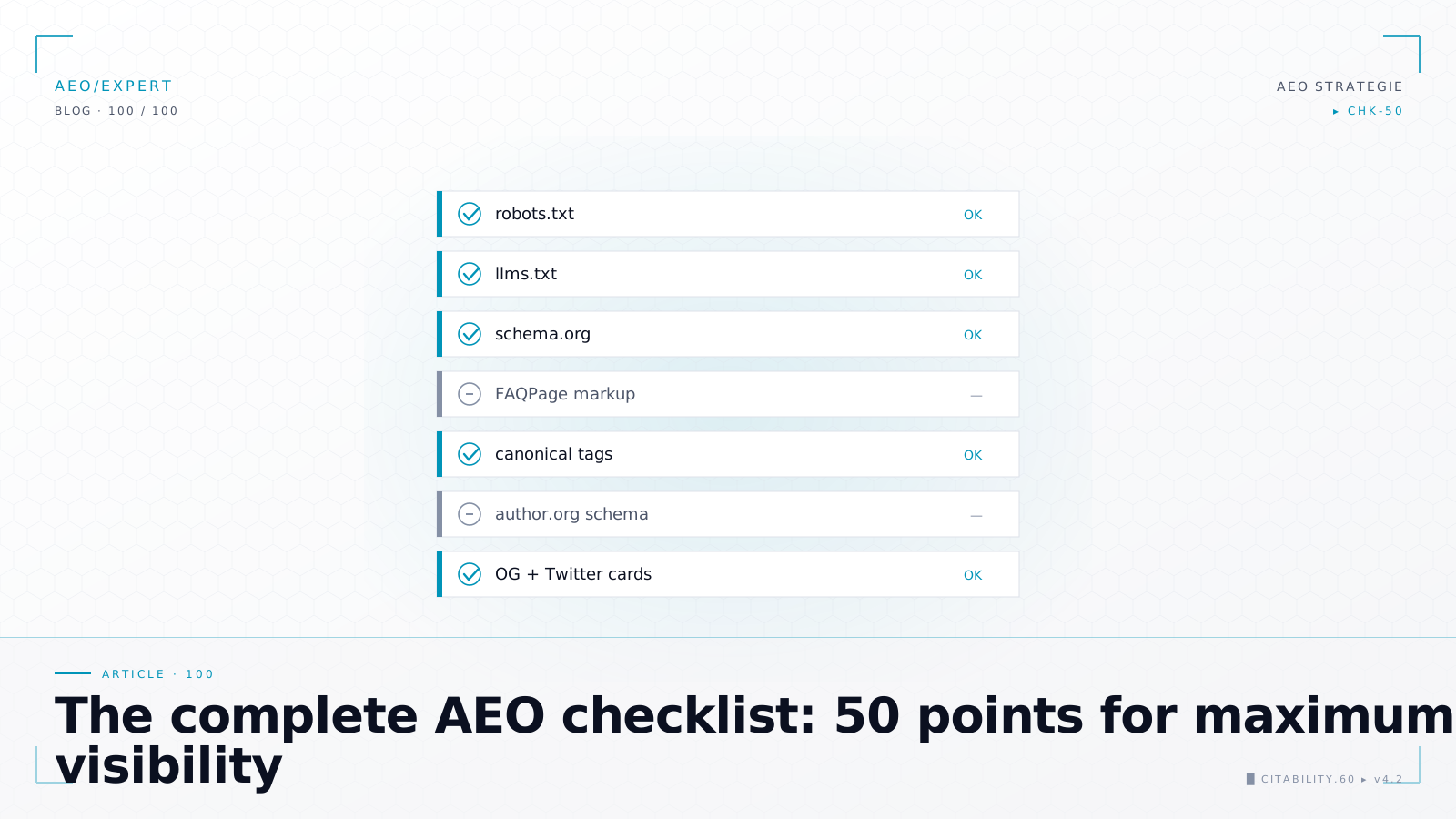
Common indexing problems include: pages blocked by robots.txt — bibliotheekterm, accidentally placed noindex tags, canonical tags pointing to the wrong URL, and server errors blocking crawlers. Google Search Console is the primary tool for diagnosing indexing issues.
Top 10 indexing problems with solutions
| # | Problem | Symptom | Solution |
|---|---|---|---|
| 1 | Accidentally placed noindex tag | Page does not appear in search results despite being crawled | Check the HTML head for <meta name="robots" content="noindex"> and the HTTP header X-Robots-Tag. Remove the noindex directive and request re-indexing. |
| 2 | Blocked by robots.txt | Google shows "Blocked by robots.txt" in Search Console | Check your robots.txt for Disallow rules blocking the page. Adjust the rules so Googlebot can reach the page. Note: robots.txt blocks crawling, not indexing. A linked page can still appear, but without content. |
| 3 | Incorrect canonical tag — bibliotheekterm | The wrong version of a page appears in search results | Verify that the canonical tag points to the correct URL. Ensure the canonical URL matches the URL in your sitemap — bibliotheekterm and internal links — bibliotheekterm. Avoid conflicting canonicals between pages. |
| 4 | Duplicate content | Multiple pages with (nearly) identical content, only one appears in the index | Use canonical tags to indicate the preferred URL. Consolidate similar pages or create unique content per page. Avoid URL variations (with/without trailing slash, with/without www). |
| 5 | Thin content | "Crawled, currently not indexed" in Search Console | Add substantial, unique, and valuable content to the page. Google sometimes deliberately does not index pages with too little or too generic content. |
| 6 | Server errors (5xx) | Crawl errors in Search Console, pages disappearing from the index | Resolve server issues (overload, configuration errors, timeouts). Monitor server uptime. Ensure pages consistently return a 200 status code. |
| 7 | Orphan pages | Pages are not crawled because no internal links point to them | Add internal links from relevant pages. Include the URL in your XML sitemap. Ensure the page is reachable from your site navigation. |
| 8 | Redirect loops | Page A redirects to B, B redirects back to A | Check all redirects for loops and chains. Ensure each redirect points directly to the final URL. Use a tool like Screaming Frog to map redirect issues. |
| 9 | JavaScript rendering issues | Content is visible in the browser but not in Google's cached version | Implement server-side rendering — bibliotheekterm (SSR) or pre-rendering for important content. Test with Google's URL Inspection tool or Rich Results — bibliotheekterm Test how Google sees your page. |
| 10 | Hreflang — bibliotheekterm errors | Wrong language version appears in search results per country | Verify hreflang tags are correct: bidirectional references, correct language codes, self-referencing tag present. Use an hreflang validator to detect errors. |
Google Search Console URL Inspection tool
The URL Inspection tool in Google Search Console is the most important tool for diagnosing indexing issues. Here is how to use it effectively:
- Enter the URL: Paste the full URL of the page you want to check into the search bar at the top of Search Console. You'll immediately see whether the URL is indexed.
- Check indexing status: The tool shows whether the page "Is on Google," "Is not on Google," or "URL is not indexed." For non-indexed pages, the reason is stated (noindex, canonical to another URL, crawled but not indexed, etc.).
- View coverage details: Click on "Coverage details" for specifics: which canonical was selected, whether the page was crawled, whether a sitemap references it, and the last crawl date.
- Test live URL: Click "Test live URL" to have Google re-fetch the page. This shows how Google currently sees the page, including any rendering issues with JavaScript.
- Request indexing: If you've made changes (removed noindex, added content), click "Request indexing." Google will then schedule a revisit. Note: this is a request, not a guarantee. Use it sparingly.
Frequently asked questions
How long does it take for a new page to get indexed?
This varies widely. New pages on authoritative websites are sometimes indexed within hours. On newer or smaller sites, it can take days to weeks. You can speed up the process by submitting the URL via the URL Inspection tool in Search Console, including the page in your XML sitemap, and placing internal links to it.
What does "Crawled, currently not indexed" mean?
This means Google has found and fetched your page but has decided not to include it in the index (for now). Possible reasons: the content is too thin, too similar to existing pages, or Google doesn't consider the page valuable enough. Improve the content, add unique value, and ensure strong internal links to the page.
Can I remove a page from Google's index?
Yes, in several ways. The fastest method is placing a noindex tag and then submitting a removal request via Search Console (URL Removal tool). You can also return a 404 or 410 status code, or block the page with robots.txt (although this doesn't always lead to de-indexing if external links point to the page).
Why are some pages not indexed despite being crawled?
Google doesn't index everything it crawls. The most common reasons: the content doesn't offer enough unique value, the page is a (near-)duplicate of another page, quality signals are too weak, or Google has selected a different URL as canonical. Check the URL Inspection tool for the specific reason.
Does the number of indexed pages count as an SEO factor?
Not directly. More indexed pages is not automatically better. It's about the quality of indexed pages. A site with 100 high-quality, relevant pages performs better than a site with 10,000 thin pages. Focus on indexing your best content and excluding pages without value.